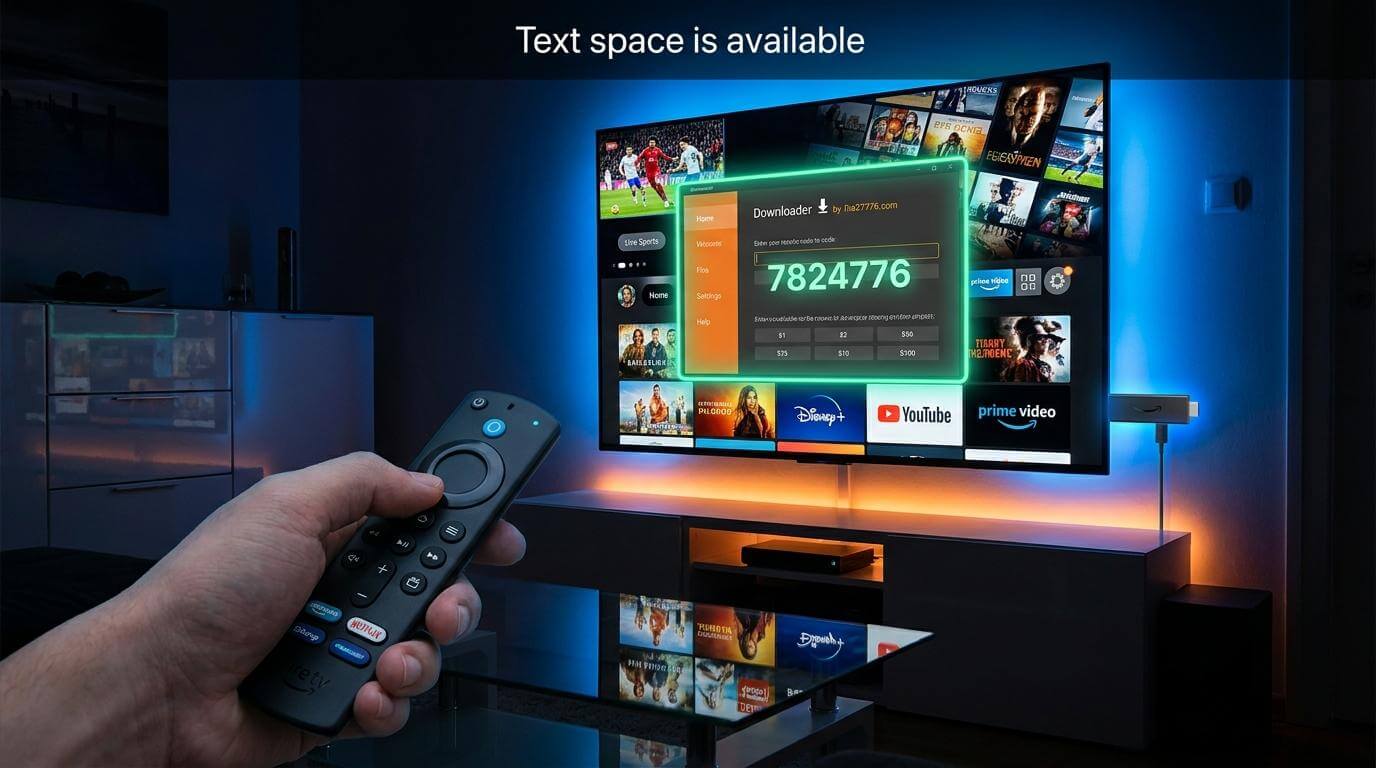
Looking for the easiest way to install a live streaming app on your Amazon Fire TV Stick? In this complete guide, we will show you how to install the streaming application using the Downloader app in just a few minutes.
Follow the simple steps below and start enjoying live TV, movies, sports, entertainment channels, and more on your Firestick device.
Step 1 – Install Downloader App
First, you need to install the Downloader application on your Amazon Fire TV Stick.
- Turn on your Amazon Firestick.
- Go to the Home Screen.
- Open the Search option.
- Type Downloader.
- Select the Downloader app and install it.
Step 2 – Enable Unknown Apps
Before installing third-party apps, you must enable installation from unknown sources.
- Go to Settings.
- Select My Fire TV.
- Open Developer Options.
- Enable Install Unknown Apps.
- Turn ON permission for Downloader.
Step 3 – Enter Downloader Code
Once Downloader is installed, open the app and enter the following code:
After entering the code, click the Go button. The streaming application will begin downloading automatically.
Once the download is complete:
- Click Install.
- Wait for installation to finish.
- Open the app and enjoy streaming.
Get Your Free Trial
After installing the app, you can request a FREE trial directly from our website.
FluxIoTV offers high-quality live TV streaming, premium channels, sports, entertainment, movies, and much more with smooth performance on Amazon Fire TV devices.
Frequently Asked Questions
Is this setup compatible with all Fire TV devices?
Yes, this setup works with Amazon Fire TV Stick, Fire TV Cube, and most Android-based streaming devices.
Is Downloader app free?
Yes, Downloader is completely free and available on the Amazon App Store.
Where can I request a free trial?
You can request your free trial directly on FluxIoTV.com.
Final Words
Setting up a live streaming app on your Amazon Fire TV Stick is quick and simple. Just install Downloader, enter the code 7824776, install the app, and start streaming instantly.
If you need help or want a free trial, visit FluxIoTV.com today.